 123
Step 1
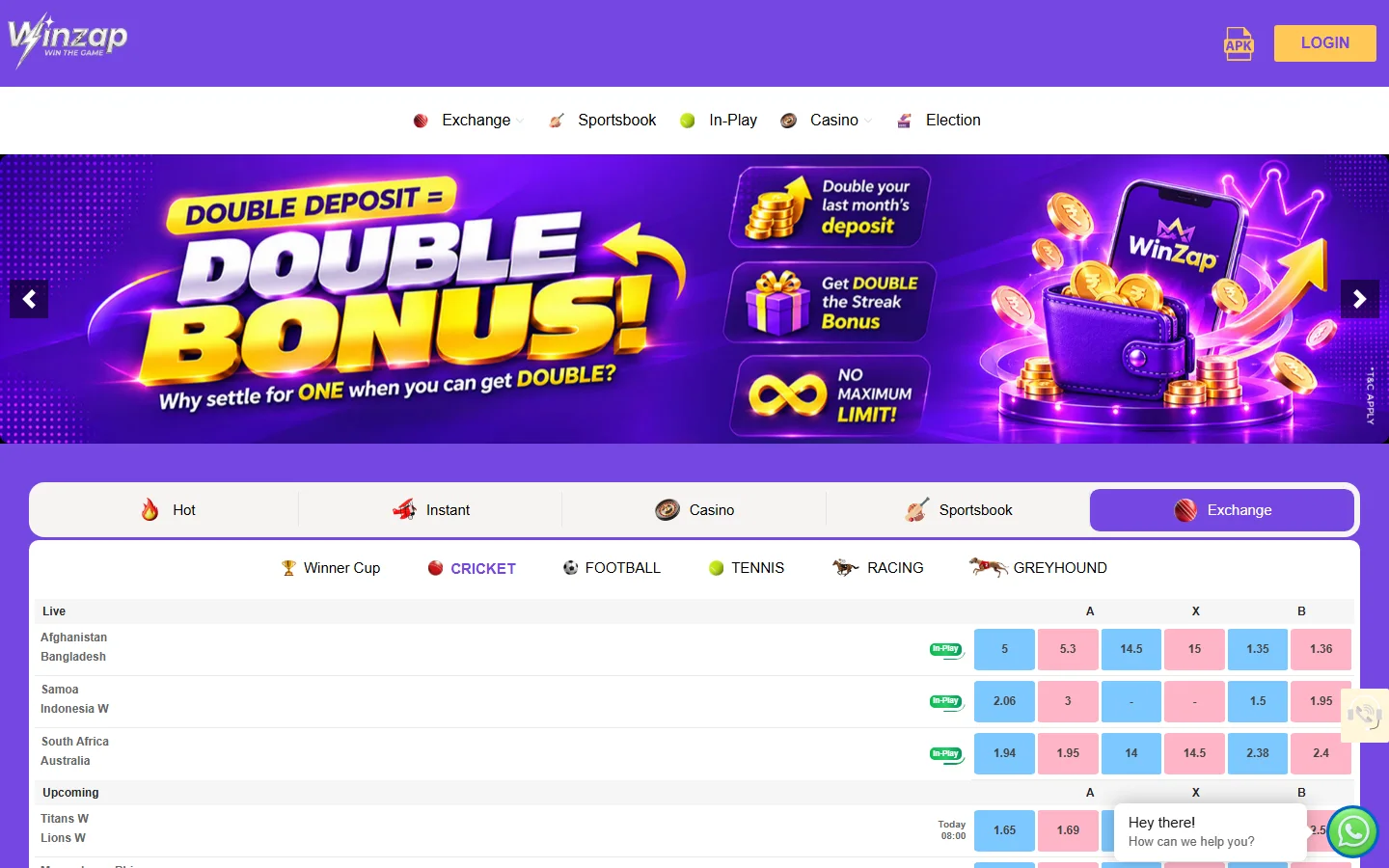
Offers and support buttons
The big banner under the menu is a carousel of current promotions. Click the arrows on either side to see the next offer.
On the right edge a yellow help tab and, in the bottom right corner, a green WhatsApp button open support. A speech bubble says “Hey there! How can we help you?”.
- 1Promotion banner: offers change, use the arrows to see more
- 2Help tab at the right edge
- 3WhatsApp chat button: 24/7 support